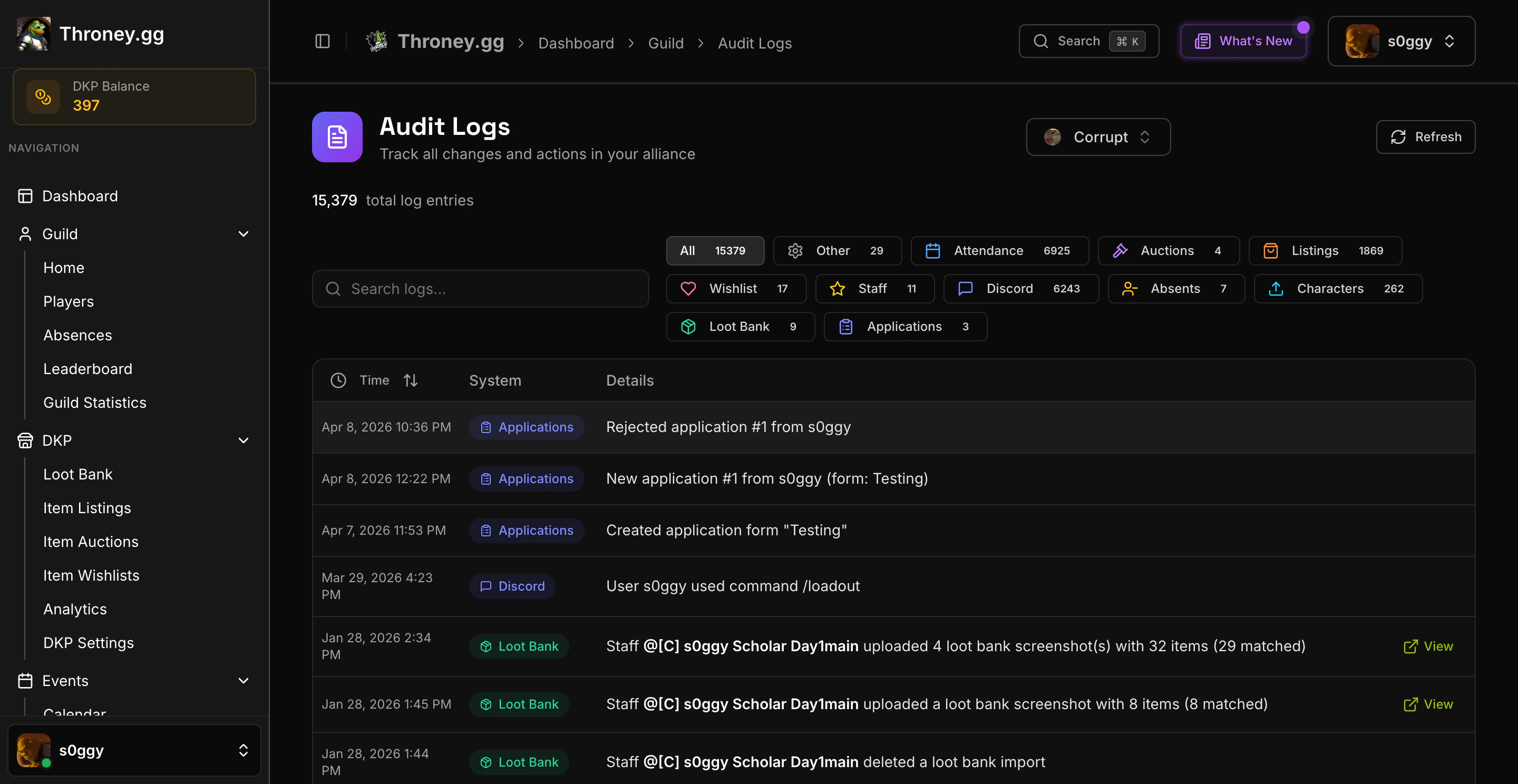
Audit Logs are officer-only. Members cannot access this page.
What Gets Logged
Using Audit Logs
Navigate to Audit Logs in the sidebar.Searching
Use the search bar to find specific entries by keyword. Search matches against the log message text.Filtering by System
Filter logs by system category using the dropdown. Each system has a color-coded badge for quick visual scanning:- DKP - Point and loot system actions
- Attendance - Event attendance tracking
- Applications - Recruitment pipeline actions
- Events - Scheduled event management
- Members - Character and roster changes
- Settings - Configuration changes
Log Details
Each entry shows:- Timestamp - When the action occurred
- System badge - Which feature area the action belongs to
- Description - What happened, including who did it and what was affected
Best Practices
- Review logs after major events (attendance calls, DKP distributions) to verify everything was recorded correctly
- Use system filters to focus on a specific area when investigating an issue
- Audit logs are read-only and cannot be deleted or modified