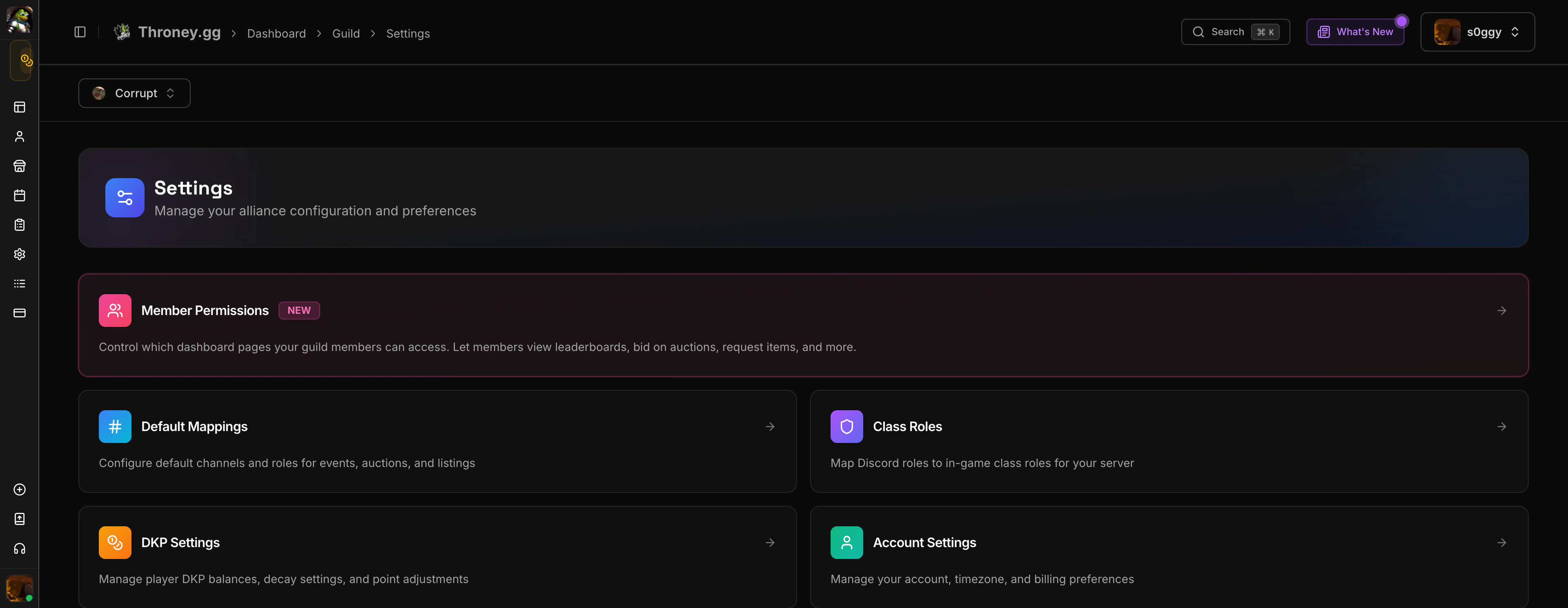
Accessing Settings
Navigate to Settings in the sidebar. The settings page is organized into sections:- Alliance Settings - Rename your alliance, manage guilds
- Default Channels - Configure where the bot posts events, attendance, and announcements
- Class Roles - Map Throne & Liberty classes to siege/war roles
- DKP Settings - Configure decay rates, auction rules, and point systems
- Import Members - Bulk import member data from external sources
Default Channels
Set the Discord channels Throney uses by default for each feature:
These defaults can be overridden when creating individual events or listings.
Class Roles
Customize how the 36 Throne & Liberty classes map to your guild’s role system. This affects:- Loadout party composition
- Leaderboard role filters
- Guild statistics breakdowns
- Player profile role display
DKP Settings
Configure how the DKP point system works for your alliance:- Decay Rate - Percentage of DKP deducted on a schedule (weekly/monthly) to keep the economy active
- Decay Schedule - How often decay is applied
- Auction Duration - Default duration for new auctions
- Minimum Bid - Minimum starting bid for auctions
- Bid Increment - Minimum bid increase amount
- Anti-Sniping - Extend auction timer when last-second bids are placed
Member Permissions
Control which dashboard pages guild members can access when they log in.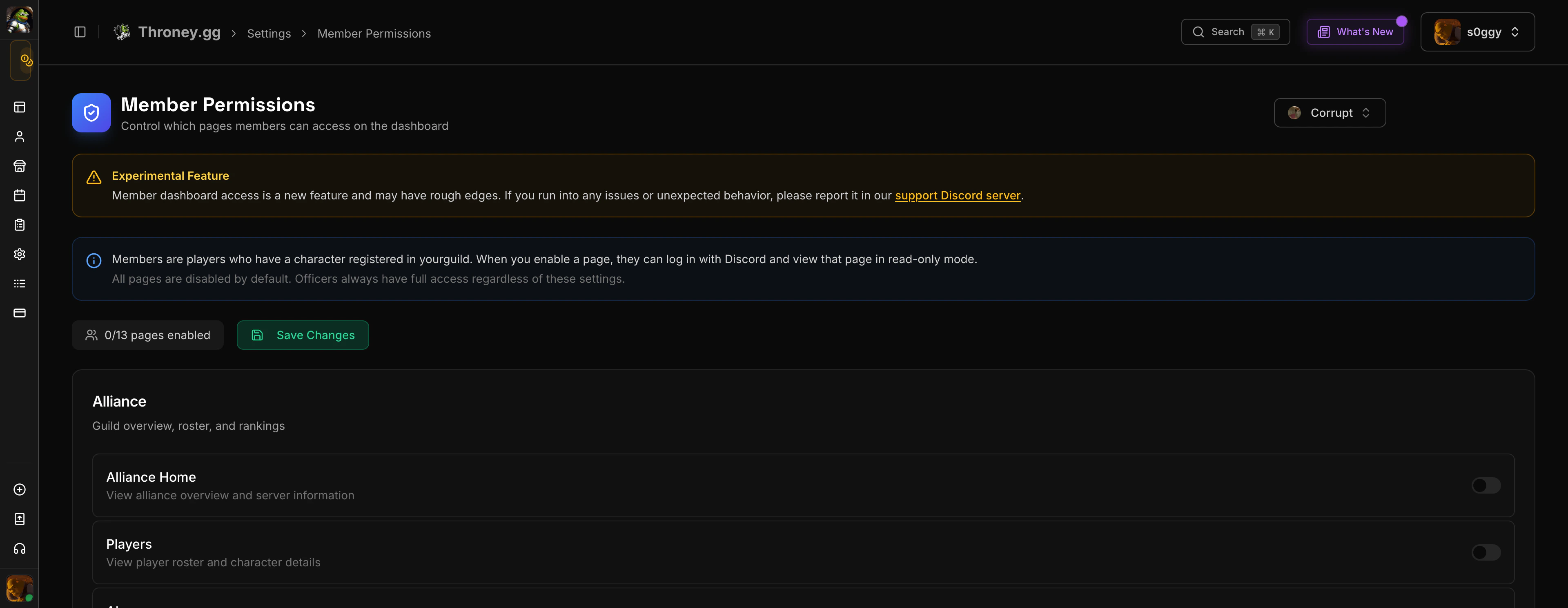
When auction or listing pages are enabled for members, Discord embeds automatically show “Bid on Website” and “Request on Website” buttons so members can interact from Discord.
Alliance & Guild Management
- Rename Alliance - Change your alliance display name
- Manage Guilds - Add, rename, or remove guilds in your alliance (max 4 guilds)
- Import Members - Bulk import from CSV or external sources